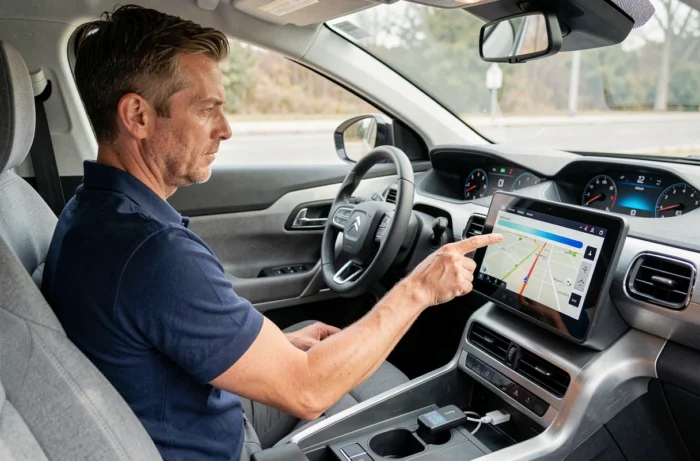
Updating the built-in GPS of a Citroën should be a simple operation: download the mapping, copy it to a USB stick, plug it in, and wait. In practice, a significant portion of attempts fail even when the correct file has been retrieved. The system rejects the USB stick, displays an error message, or detects nothing at all.
The cause rarely lies in the mapping itself, but rather in the preparation of the medium or in an incompatibility between the version of the multimedia system and the downloaded package.
USB stick rejected by the Citroën system: the real causes of a GPS update failure
The most common scenario reported by users follows a similar pattern. The correct mapping is downloaded via the official Citroën Update utility, copied onto a USB stick, and then inserted into the vehicle’s port. The infotainment system does not recognize the content or interrupts the installation after a few seconds.
The first cause, and the most underestimated, concerns the file structure on the USB stick. The Citroën multimedia system requires that the files be located at the root of the medium, in a precise structure generated by the download tool. Moving a folder, renaming a directory, or copying the files into a subfolder is enough to cause rejection. Some operating systems (Windows, macOS) automatically add hidden files (.Spotlight, .Trashes, desktop.ini) that disrupt reading.
The second cause pertains to the formatting of the medium. The NAC and SMEG systems of Citroën require FAT32 formatting. However, beyond 32 GB, Windows defaults to exFAT or NTFS formatting, two formats that the embedded system silently ignores. Using a third-party tool to force FAT32 on a large-capacity stick often resolves the issue.
The third cause is the mismatch between the version of the embedded software and the version of the downloaded mapping. A system whose firmware has not been updated for several years may reject a recent mapping package. The Citroën GPS update procedure sometimes involves updating the system software before installing the maps, a step that quick guides often overlook.
Citroën Update: what the official tool does (and does not do)
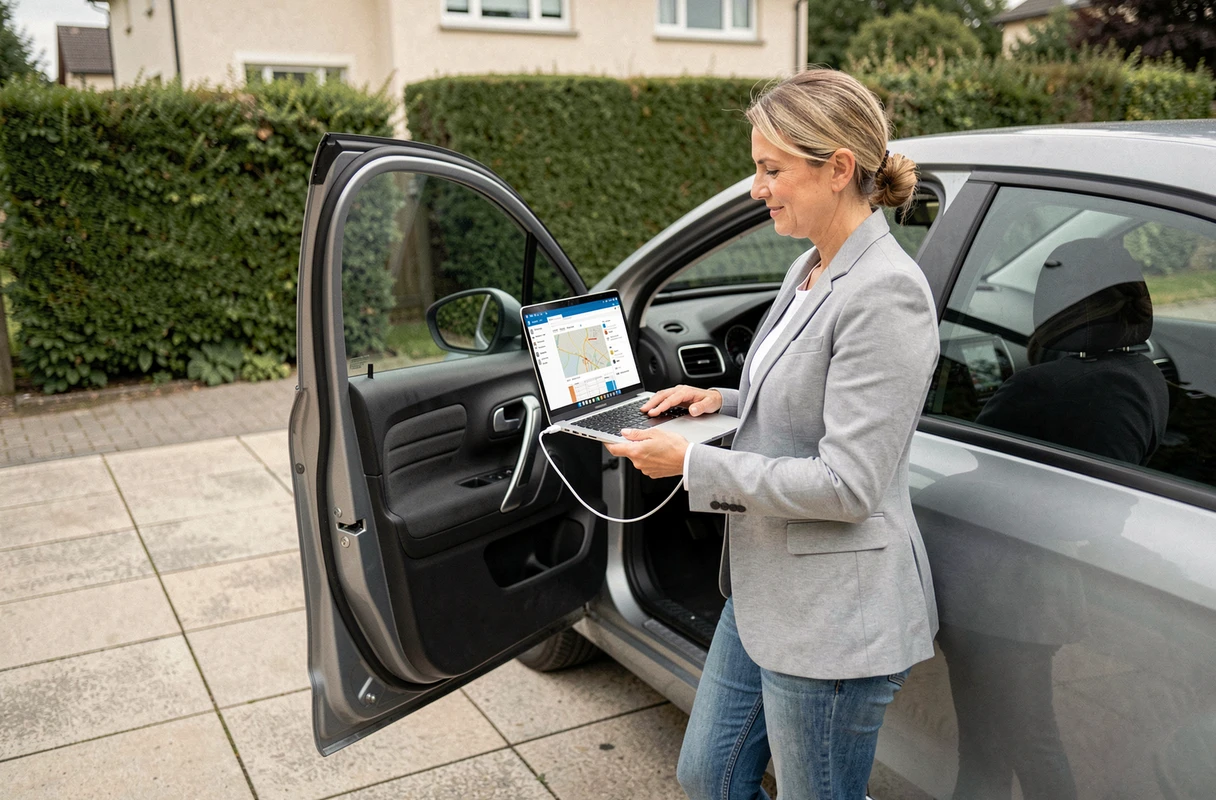
Citroën Update is the official utility that identifies the vehicle from its VIN, detects the version of the installed multimedia system, and proposes the correct update package. This automatic detection reduces the risk of downloading incompatible mapping.
The tool manages two distinct types of content: navigation mapping (road maps) and multimedia system software (firmware, interface, connected features). These are two separate updates, with different files and sometimes different media. Confusing the two, or only installing the mapping while ignoring the firmware, is a classic source of malfunction.
On the other hand, the tool does not check the status of the USB stick used. It does not control the formatting, the presence of extraneous files, or the writing speed of the medium. It generates the correct structure during the download, but there is no guarantee that it remains intact after manual copying or extraction from an archive.
Known limitations depending on the system generation
Older systems (MyWay, eMyWay) are not always supported by recent versions of Citroën Update. For these vehicles, the update still goes through specific SD cards or a visit to the dealership. Field feedback varies on the compatibility of certain intermediate generations (notably SMEG+), for which the correct version of the package depends on the originally configured mapping region.
Preparing a reliable USB stick for the Citroën GPS update
Preparing the medium is the most technical part of the operation, and where the majority of errors occur. Here are the verification points to follow before inserting the stick into the vehicle:
- Format the stick to FAT32 with an allocation unit size of 32 KB. On Windows, use a third-party tool (Rufus, HP USB Disk Storage Format Tool) if the stick exceeds 32 GB, as the native utility does not offer FAT32 beyond this capacity.
- Copy the files directly to the root of the stick, without creating an intermediate folder. The structure generated by Citroën Update must remain unchanged, without modifying folder or file names.
- Delete hidden files added by the operating system. On macOS, the dot_clean command in the terminal removes .DS_Store and ._* files that clutter the medium. On Windows, ensure that no autorun.inf or Thumbs.db files are left at the root.
- Use a recognized brand USB 2.0 or 3.0 stick, with a capacity between 8 and 32 GB. Very high-capacity sticks or entry-level models with slow writing speeds can sometimes cause timeouts during installation.
Mapping region and system version: the check that no one does
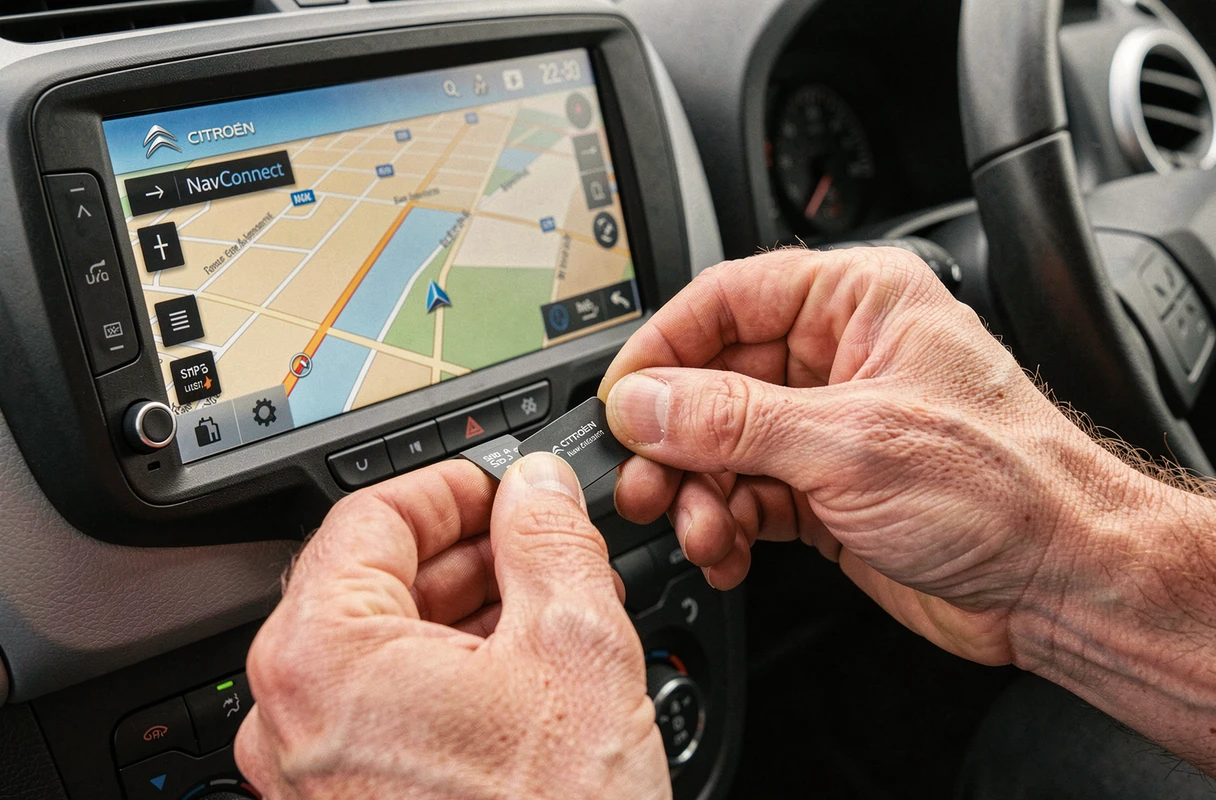
Before starting the download on Citroën Update, the vehicle’s VIN automatically determines the associated mapping area. A vehicle sold in France is configured for Western Europe. Attempting to install a complete Europe mapping on a system intended for a restricted area can trigger a rejection without an explicit error message.
The version of the embedded firmware also conditions compatibility. An outdated firmware does not recognize recent mapping packages, and the reverse can sometimes be true. The recommended sequence is to first check if a software update is available, install it, and only then proceed with the mapping update.
To identify the installed version, the “System” or “About” menu on the multimedia screen displays a software version number and a map identifier. These two pieces of information must match what Citroën Update offers for the entered VIN. In case of a discrepancy, it is better to contact Citroën support or go through an authorized dealer rather than forcing an incompatible installation.
What to do when the Citroën GPS update fails anyway
If all the previous checks have been followed and the system still rejects the stick, two avenues remain to explore. The first: test with another USB stick. Some models of sticks, although seemingly compliant, have hardware compatibility issues with the USB ports of Citroën systems.
The second: reset the multimedia system before attempting the installation again. A long press on the power button of the screen, or going through the factory reset menu, can unlock a system that remained in an intermediate state after a previous failed attempt.
Updating the Citroën GPS remains an accessible operation, provided that the USB medium and the consistency of the versions are treated with as much care as the download itself. The mapping file is only part of the equation: it is the technical environment around it that determines success or failure.